

Sign in to print or save this article
Printing and saving articles is available to signed-in users. Sign in at http://netaphor.com/support/signin, or request an account at http://netaphor.com/support/request-access.
AA-01253 · http://netaphor.com/kb/AA-01253/datapublisher-and-publishing-multiple-customers-with-the-dcf-file
DataPublisher and Publishing Multiple Customers With the DCF file
Log into the Control Panel.
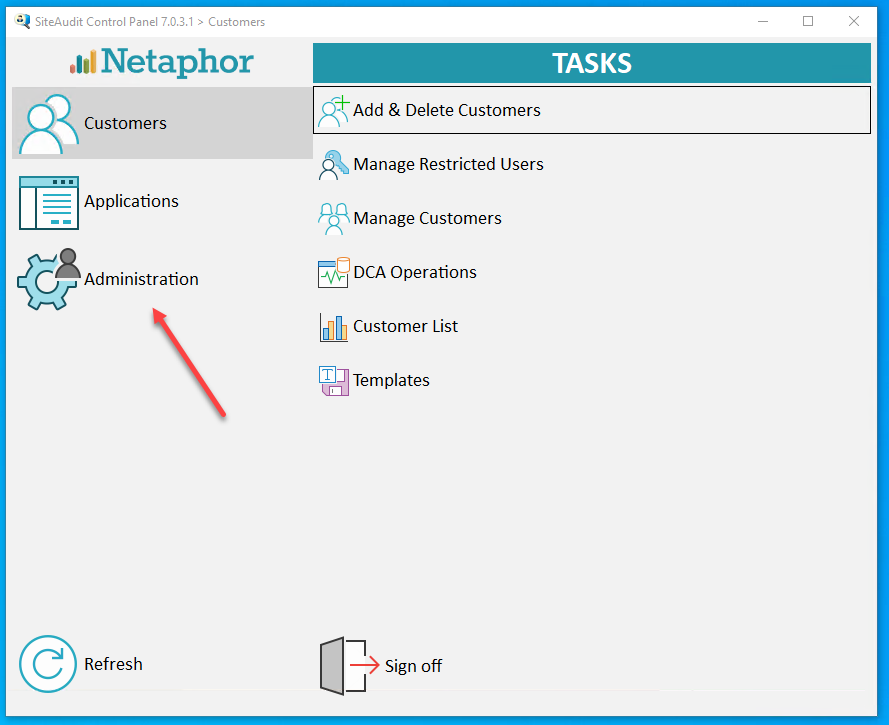
Click on the "Administration" button
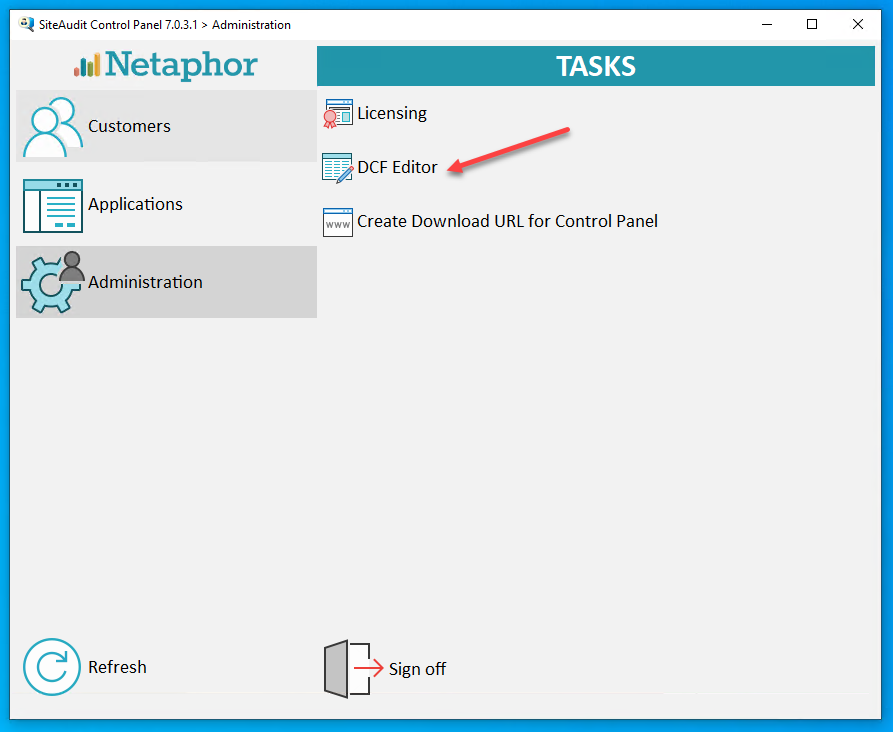
Click the "DCF Editor" button
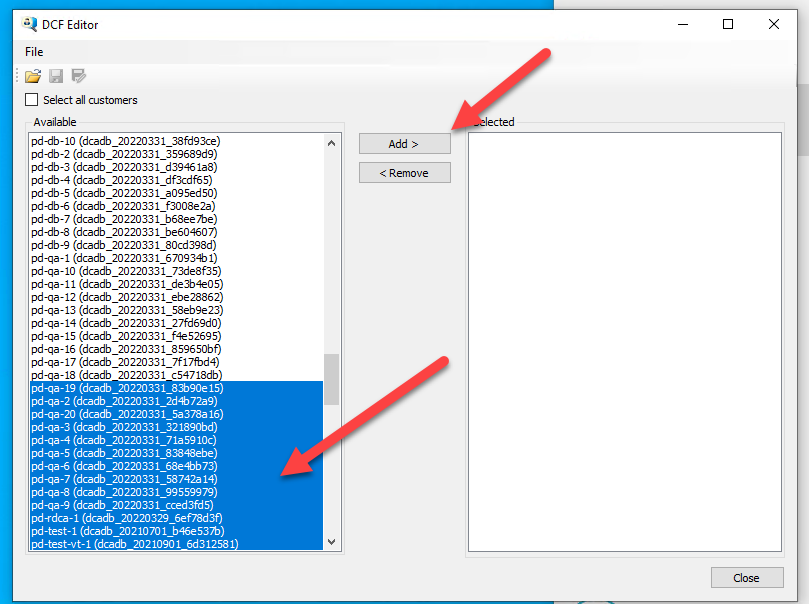
Once the DCF Editor is opened.
Select all the customers that should be published with the DataPublisher.
Click the "Add >" button.
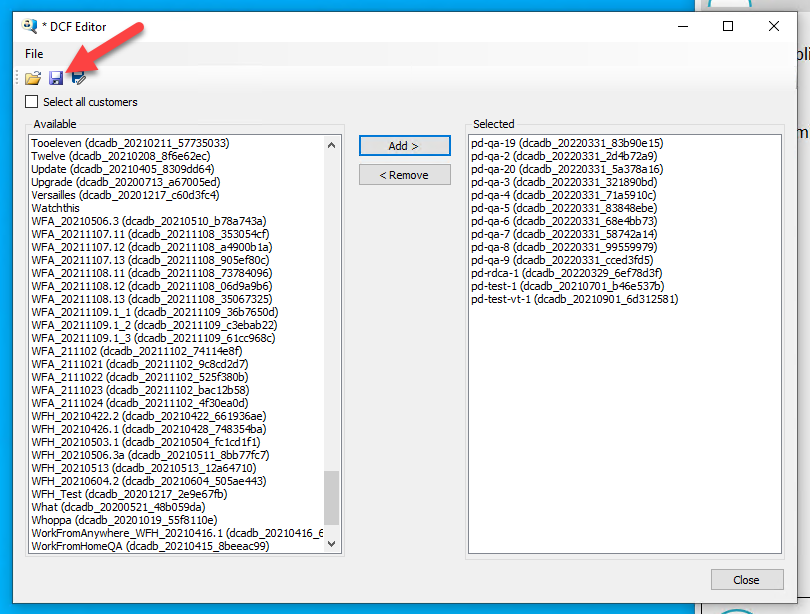
Click the save button.
Default Location:
- C:\Users\siteaudit\Documents
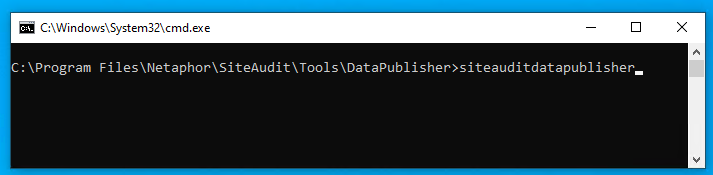
Open CMD to where the DataPublisher.exe is located.
Default Location of the DataPublisher
- "C:\Program Files\Netaphor\SiteAudit\Tools\DataPublisher\"
Create a PUBCONF file by running the DataPublisher.exe in the CMD prompt.
Example:
- "C:\Program Files\Netaphor\SiteAudit\Tools\DataPublisher\SiteAuditDataPublisher.exe"

Open the newly created PUBCONF file.
Once the PUBCONF file has been open find the DcfFile setting and add the path of the DCF file to the setting.
Example:
- "DcfFile": "C:\\temp\\pd2.sadcf",
Run the DataPublisher in the CMD prompt with the path to the PUBCONF file.
Example:
- "C:\Program Files\Netaphor\SiteAudit\Tools\DataPublisher\SiteAuditDataPublisher.exe C:\Users\siteaudit\Documents\_default_v27.pubconf
